Markdown compatibility2 detected · 0 enabled · 0 missing assets · mkdocs docs · 2 warnings
- HomeREADME.md
- Getting starteddocs/getting-started.md
- Core conceptsdocs/core-concepts.md
- Demo walkthroughdocs/demo-walkthrough.md
- Review pull requestsdocs/review-pull-requests.md
- Review repository branchesdocs/review-repository-branches.md
- Draft reviewsdocs/draft-reviews.md
- Brainstorming Reviewsdocs/brainstorming-reviews.md
- Live Preview Reviewsdocs/web-app-reviews.md
- Commentary Formsdocs/commentary-forms.md
- Review progressdocs/review-progress.md
- Review modesdocs/review-modes.md
- Workspacedocs/workspace.md
- Markdown renderingdocs/markdown-rendering.md
- Markdown extensionsdocs/markdown-extensions.md
- Static HTML reviewdocs/static-html-review.md
- Knowledge Braindocs/knowledge-brain.md
- Access and authenticationdocs/access-and-authentication.md
- Developer accessdocs/developer-access.md
- Generate a GitHub PATdocs/generate-a-github-pat.md
- Azure DevOpsCurrent page
- Commentary CLIdocs/commentary-cli.md
- Agent skillsdocs/agent-skills.md
- API and MCPdocs/api-and-mcp.md
- API referencedocs/api/reference.md
- MCP toolsdocs/api/mcp-tools.md
- Blogdocs/blog.md
- Troubleshooting and FAQdocs/troubleshooting-and-faq.md
- MkDocsMkDocs is a Pro Markdown feature that is not enabled for this viewer. MkDocs-specific syntax remains visible as ordinary Markdown when compatibility rendering is unavailable.
- Repository link validationPro can validate links across this repo. Links still render with standard repository-aware rewriting.
Azure DevOps
Commentary supports Azure DevOps pull request review and direct document review.
Open Azure DevOps Content
Paste an Azure DevOps PR, repository, branch, folder, or Markdown file URL into the homepage or workspace Open review control. Project-scoped URLs are preferred because they identify the organization, project, and repository unambiguously.
Sign In
Use Continue with Azure DevOps for the default Microsoft Entra flow. Use the Azure DevOps PAT option only when Entra sign-in is not available.
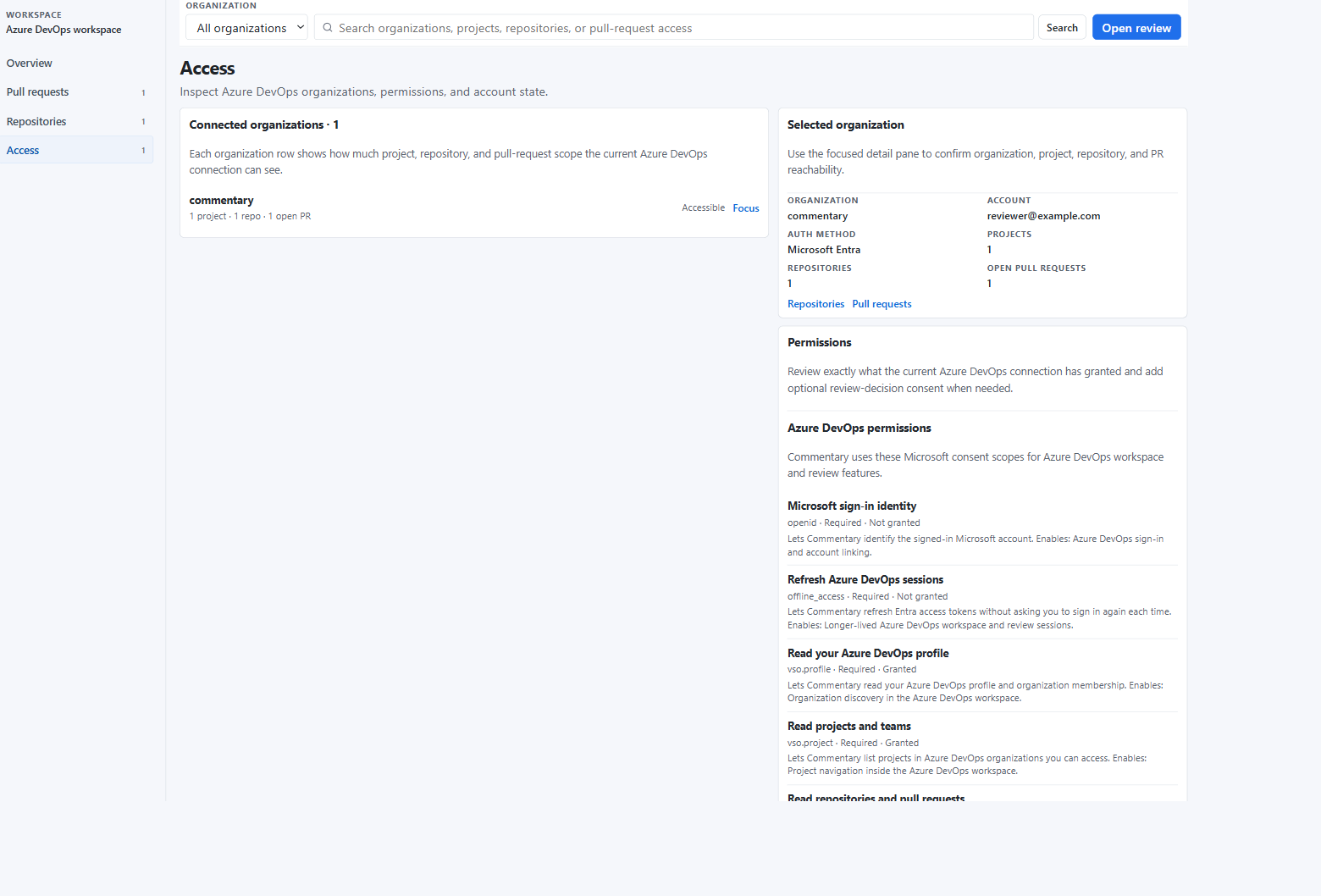
Workspace
The Azure DevOps workspace shows:
- accessible organizations
- projects and repositories
- active pull requests
- recent Commentary review sessions
- current permission state
The access page shows which Microsoft scopes are granted and whether optional review-decision consent is available.
Pull Request Review
Azure DevOps PR review uses the same document-first shell as GitHub.
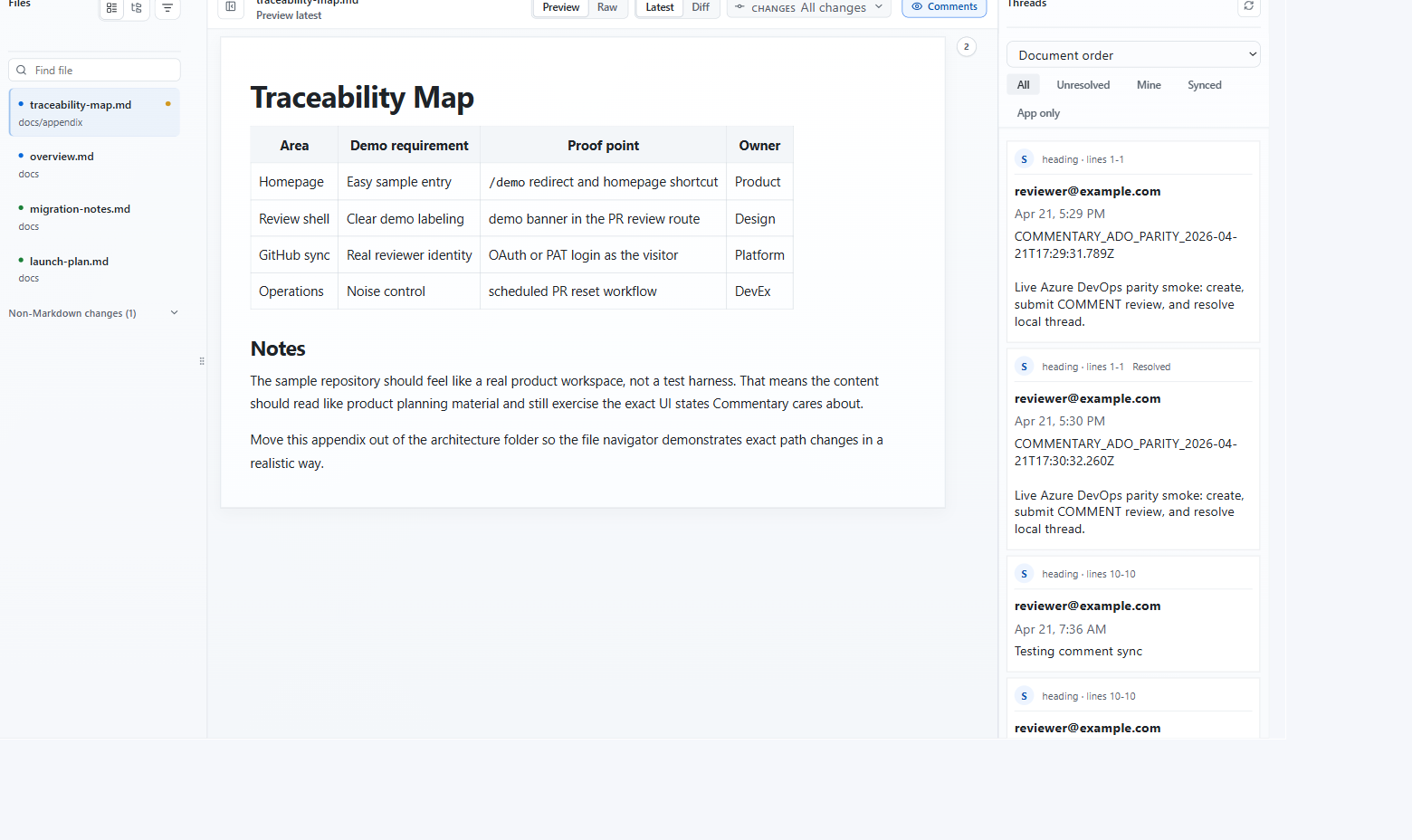
In a PR review, you can:
- read rendered Markdown
- switch to raw source
- inspect latest or diff scope
- use all-change and commit-specific change sets
- comment, reply, resolve, and reopen threads when authenticated
- submit the provider review event when ready
Direct Document Review
Direct document review opens repository Markdown by branch, folder, or file.
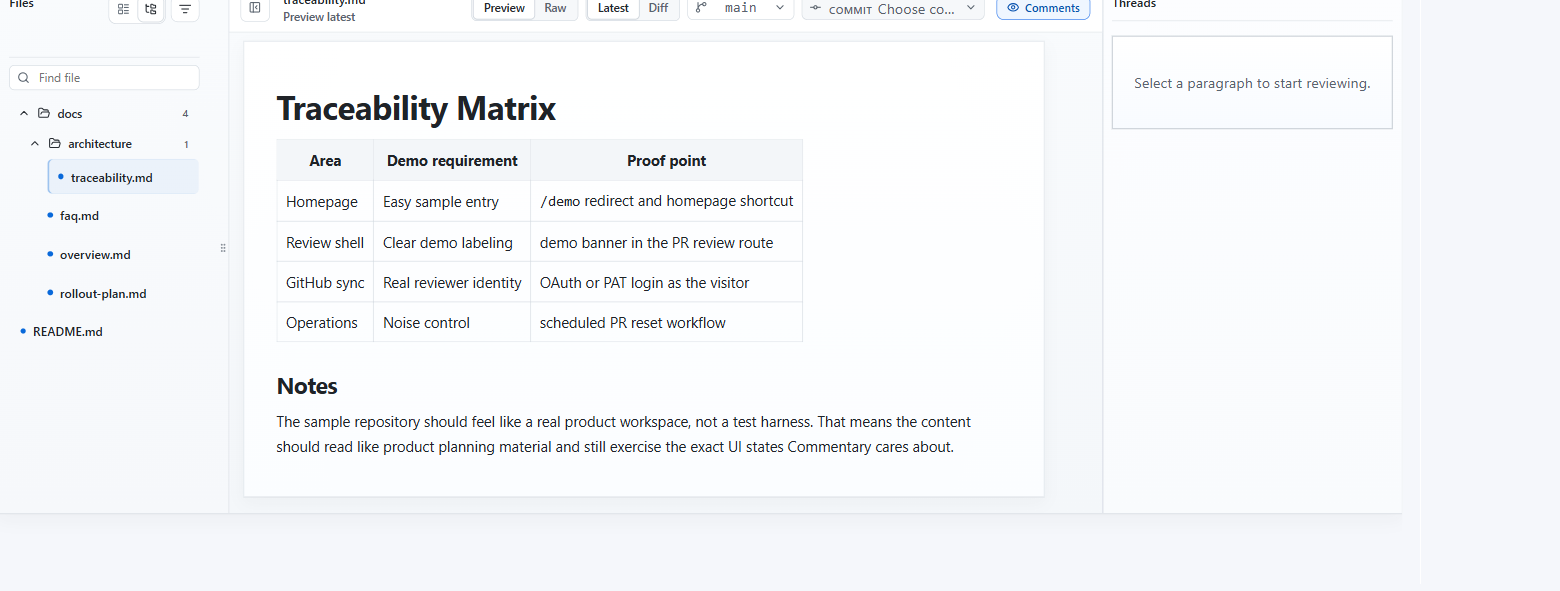
Document review comments stay in Commentary and do not submit an Azure DevOps review event.
Permission Notes
Azure DevOps access depends on the connected account and the scopes granted during Microsoft consent. If a route cannot load content, check the workspace access page first.