Markdown compatibility2 detected · 0 enabled · 0 missing assets · mkdocs docs · 2 warnings
- HomeREADME.md
- Getting starteddocs/getting-started.md
- Core conceptsdocs/core-concepts.md
- Demo walkthroughdocs/demo-walkthrough.md
- Review pull requestsdocs/review-pull-requests.md
- Review repository branchesdocs/review-repository-branches.md
- Draft reviewsdocs/draft-reviews.md
- Brainstorming Reviewsdocs/brainstorming-reviews.md
- Live Preview Reviewsdocs/web-app-reviews.md
- Commentary Formsdocs/commentary-forms.md
- Review progressdocs/review-progress.md
- Review modesCurrent page
- Workspacedocs/workspace.md
- Markdown renderingdocs/markdown-rendering.md
- Markdown extensionsdocs/markdown-extensions.md
- Static HTML reviewdocs/static-html-review.md
- Knowledge Braindocs/knowledge-brain.md
- Access and authenticationdocs/access-and-authentication.md
- Developer accessdocs/developer-access.md
- Generate a GitHub PATdocs/generate-a-github-pat.md
- Azure DevOpsdocs/azure-devops.md
- Commentary CLIdocs/commentary-cli.md
- Agent skillsdocs/agent-skills.md
- API and MCPdocs/api-and-mcp.md
- API referencedocs/api/reference.md
- MCP toolsdocs/api/mcp-tools.md
- Blogdocs/blog.md
- Troubleshooting and FAQdocs/troubleshooting-and-faq.md
- MkDocsMkDocs is a Pro Markdown feature that is not enabled for this viewer. MkDocs-specific syntax remains visible as ordinary Markdown when compatibility rendering is unavailable.
- Repository link validationPro can validate links across this repo. Links still render with standard repository-aware rewriting.
Review Modes
Commentary separates two decisions: the surface you read and the version scope you inspect.

Surface
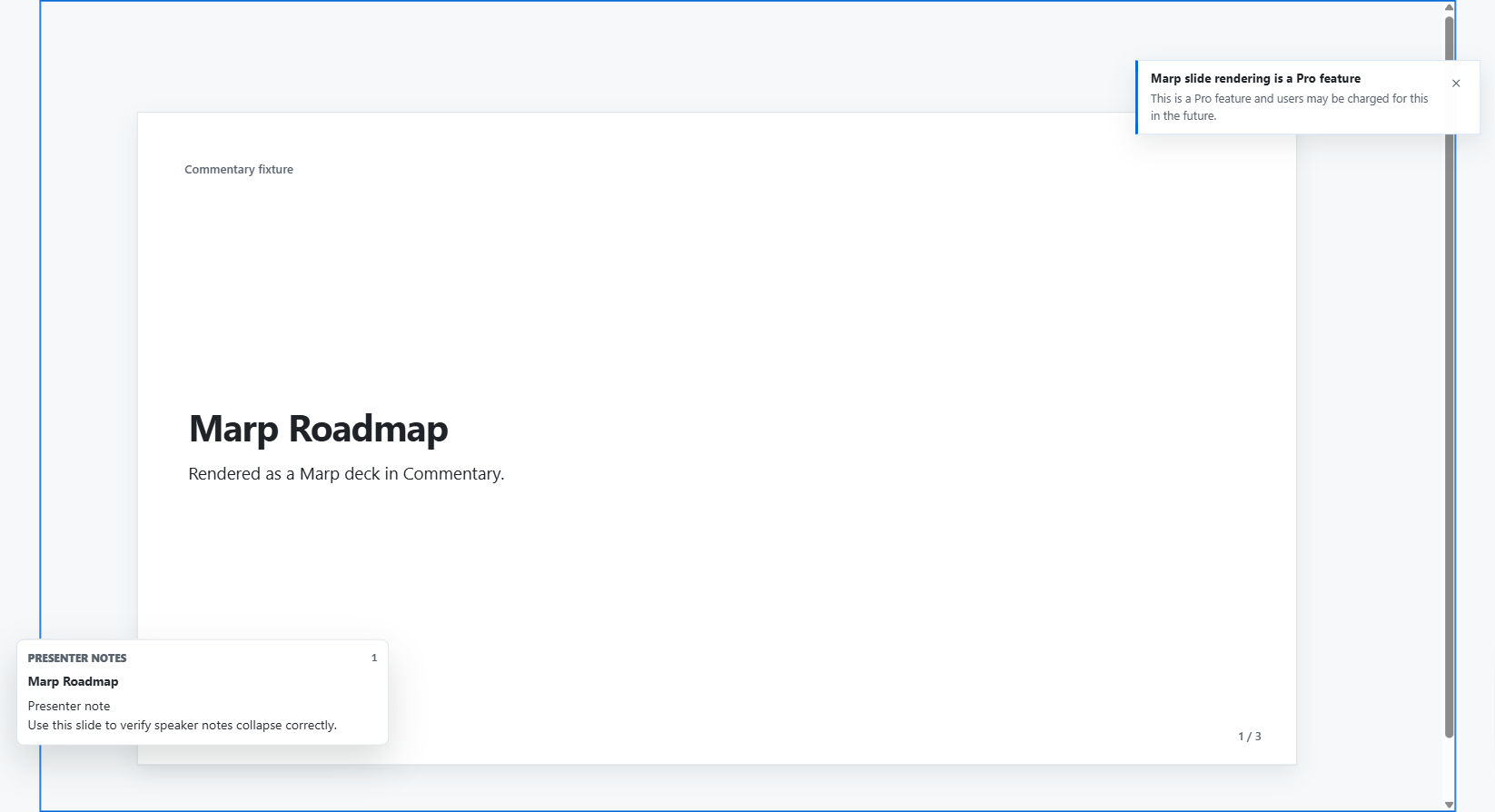
Previewrenders Markdown as a document.Previewalso renders supported static HTML in a sandboxed document frame.Rawshows Markdown or HTML source.Docs previewappears when Commentary detects a supported docs-site structure.Presentopens a cleaner rendered-document or slide-deck view for meetings and screen sharing.
Use Preview for prose review. Use Raw when exact document syntax, source line context, or wrapping behavior matters.
Scope
Latestshows the current selected file.Diffshows the change for the selected file and change set.
Change Sets
Pull request and document diff routes can expose a change-set selector:
All changesshows the combined change.- A commit-specific option shows only that commit's Markdown change.
- Files that do not participate in the selected commit may appear disabled.
- If a commit has no Markdown changes, Commentary shows an explicit empty state.
Raw Word Wrap
Raw latest and raw diff views support word wrap. Keep word wrap on for reading prose source, and turn it off when exact horizontal layout matters.
Docs Preview And Present Mode
Docs preview keeps docs-framework navigation near the rendered page and adds PR docs summary context when available. Present mode hides normal review chrome, supports heading or slide navigation, and can show optional comment markers and speaker notes.
Comments Rail And Files Rail
Use the Comments control to show or hide the thread rail. Use the file control to collapse or reopen the navigator when you need more document width.