Connect Azure DevOps
Commentary supports Azure DevOps pull request and direct document reviews. Microsoft Entra is the default connection. Use an Azure DevOps personal access token only when Entra sign-in is unavailable in your environment.
Connect your organization
Section titled “Connect your organization”- Sign in to Commentary and choose Continue with Azure DevOps.
- Use the Microsoft account that can access the target organization and project.
- Review the requested provider scopes and approve the consent needed for the task.
- Open Workspace and confirm that the intended organization, project, and repository appear.
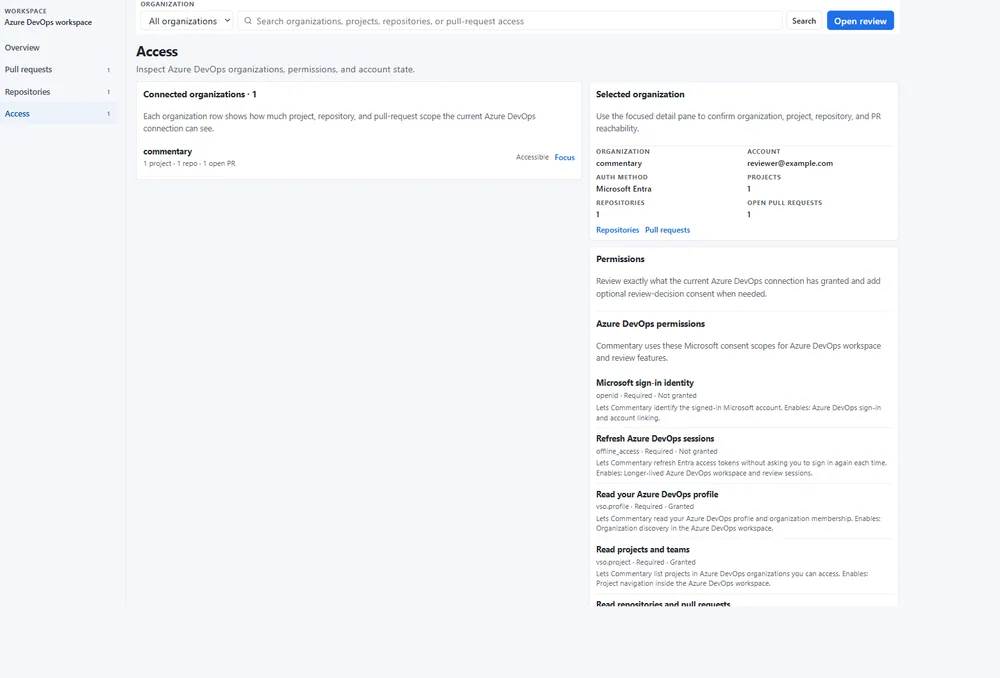
The workspace can show accessible organizations, projects/repositories, active pull requests, recent Commentary review sessions, and permission state. Provider access remains separate from Commentary workspace membership and agent grants.
Open a PR or document
Section titled “Open a PR or document”Paste an Azure DevOps PR, repository, branch, folder, or Markdown-file URL into the homepage or Open review. Prefer a project-scoped URL because it identifies the organization, project, and repository unambiguously. PR reviews use the same document-first shell: read rendered content, switch to Raw for source, use Changes for an intentional range, add comments, and submit the provider review when ready.
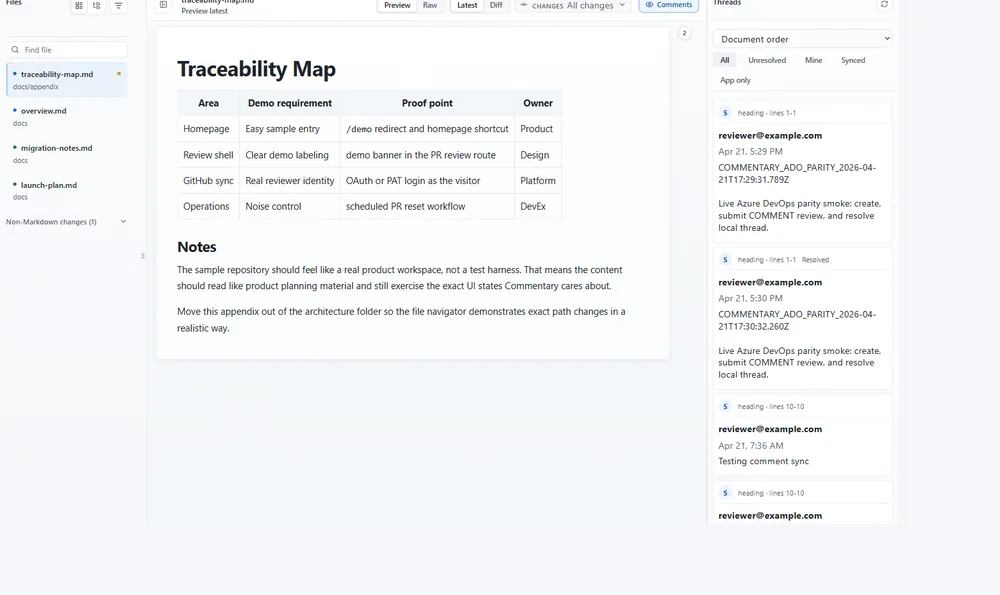
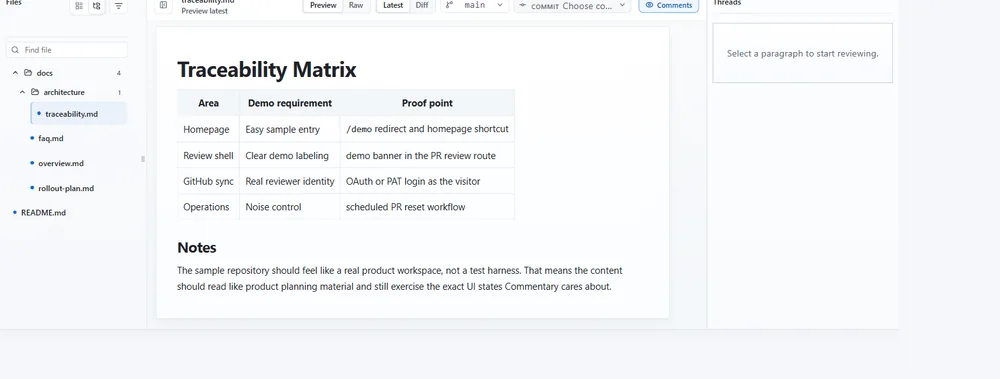
Direct branch and document reviews use app-native Commentary threads and do not submit an Azure DevOps PR review event.
Recover access
Section titled “Recover access”- The URL does not resolve: use a project-scoped link and confirm the organization/project/repository names.
- The repository list is empty: check which Microsoft account is connected and its organization membership.
- The workspace says permission is missing: reopen the access page and inspect the granted scopes; request only the required provider consent.
- A PAT is required: generate it using Azure DevOps’ current token interface, minimum required access and a short expiry. Store it securely and revoke it after recovery.
Azure DevOps provider permissions still apply to refresh and submission. Commentary does not grant Azure source access through a workspace link. Continue with PR review or branch review.